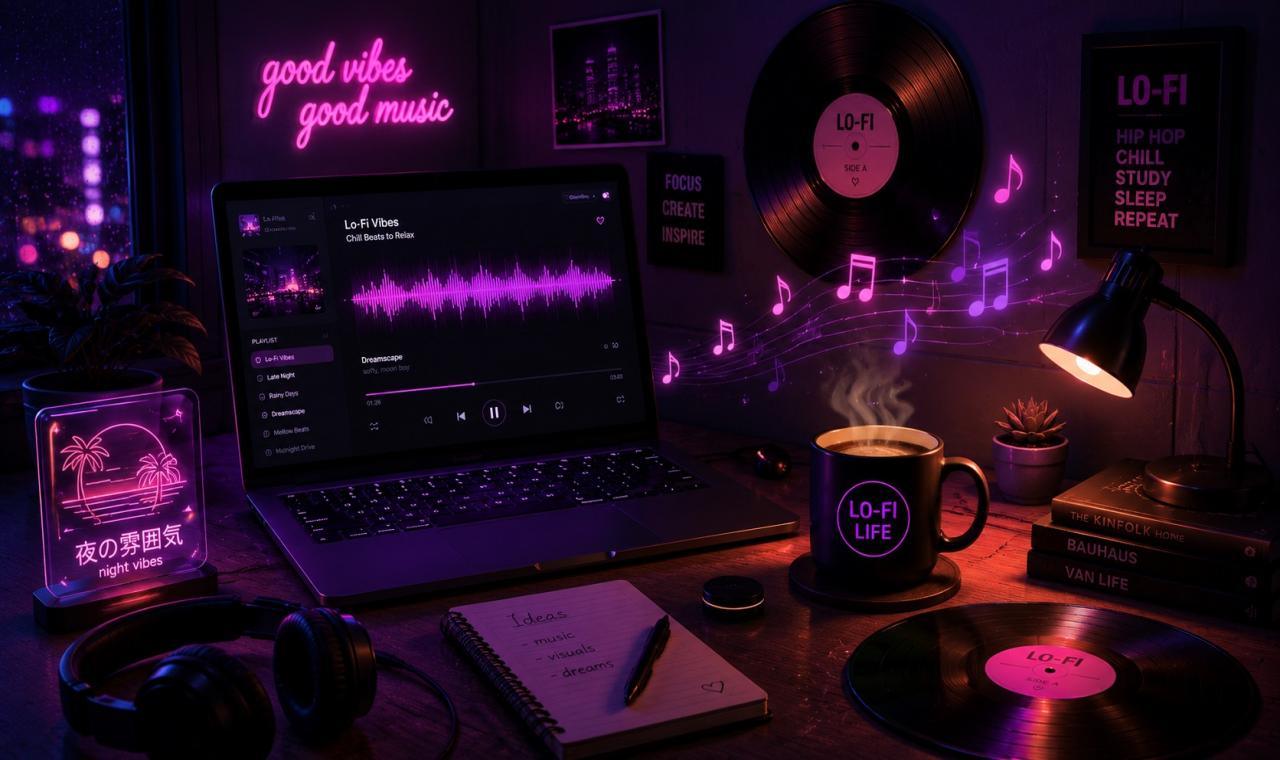
The Art of Lo-Fi Background Audio: Keeping Viewers Focused on Your Vlog
August 01 2026 Try it yourself: Want to generate music with AI right now? Open Hashvix AI Studio & Get 60 Free Credits →Lo-Fi Background Music for Vlogs: How to Create the Perfect Audio for Voiceovers
Not every video needs aggressive bass, fast drums, or an intense beat drop.
For vlogs, educational videos, coding tutorials, podcasts, lifestyle content, and talking-head videos, the music needs to play a different role. It should support the content without competing for the viewer’s attention.
This is where Lo-Fi music can be particularly effective.
With its warm textures, relaxed rhythms, soft melodies, and understated atmosphere, Lo-Fi can create a comfortable background for spoken content while still giving the video a stronger sense of identity.
AI music generation makes it easier to create custom Lo-Fi tracks that fit the mood and pacing of your content.
Why Lo-Fi Works So Well for Talking-Head Videos
When someone is speaking in a video, the voice is usually the most important audio element.
Background music should therefore support the narration rather than compete with it.
A busy instrumental with strong vocals, bright lead melodies, or constantly changing arrangements can make dialogue harder to follow.
Lo-Fi takes a different approach. Its relaxed production style can create atmosphere without demanding constant attention from the listener.
Warm Instruments
Soft electric piano, mellow guitar, muted brass, gentle synths, and other warm instruments can create a relaxed sonic background.
Simple Rhythms
Lo-Fi beats often use uncomplicated drum patterns that provide movement without dominating the voiceover.
Relaxed Tempos
Many Lo-Fi productions use slower or moderate tempos, making them suitable for calm tutorials, study content, lifestyle videos, and relaxed storytelling.
Subtle Texture
Vinyl-style textures, tape effects, room ambience, and other subtle elements can add character to otherwise minimal background music.
The goal is not to make the music the star of the video.
The goal is to create an environment in which the voice and visuals remain the focus.
Why Background Music Should Not Compete With Your Voice
One of the most important parts of creating music for narration is balance.
Even a beautiful track can become distracting if it is too loud or contains too many elements in the same frequency range as the voice.
For voiceover-heavy content, consider:
- Keeping the music below the narration
- Avoiding overly busy melodies
- Reducing frequencies that compete with speech
- Using volume automation or audio ducking
- Choosing simpler arrangements
- Leaving enough space around the spoken voice
The result should feel natural.
Ideally, viewers notice the atmosphere of the music without constantly thinking about the music itself.
Lo-Fi Music for Different Types of Content
Lo-Fi is particularly flexible and can work across many types of videos.
Vlogs
Use warm, relaxed Lo-Fi music underneath everyday footage, travel scenes, routines, and lifestyle content.
Educational Videos
A subtle beat can add atmosphere without distracting viewers from the information being presented.
Coding Tutorials
Minimal electronic Lo-Fi can create a focused environment underneath programming tutorials and technical demonstrations.
Study Content
Relaxed piano, soft drums, and atmospheric textures can complement study and productivity videos.
Podcasts
Low-key instrumental music can work underneath introductions, transitions, or selected sections of spoken content.
Lifestyle Reels
Modern Lo-Fi can add personality to fashion, coffee, travel, food, and everyday lifestyle footage.
How to Choose the Right Lo-Fi Style
Not all Lo-Fi music sounds the same.
You can adjust the musical direction depending on your content.
For example:
“Warm Lo-Fi hip-hop with mellow electric piano, soft boom-bap drums, subtle vinyl texture and a relaxed atmosphere for a lifestyle vlog.”
Or:
“Minimal Lo-Fi instrumental with soft piano chords, gentle percussion and subtle ambient textures for a programming tutorial with voiceover.”
Or:
“Chill Lo-Fi beat with warm guitar, relaxed drums and atmospheric background textures for a travel vlog.”
The more context you provide, the easier it becomes to guide the musical direction toward your intended use.
Create Custom Lo-Fi Music With Hashvix AI
Instead of searching through large music libraries for a track that almost fits your video, you can use AI music generation to explore custom Lo-Fi concepts.
With Hashvix AI, you can experiment with different genres, moods, instruments, and musical directions from simple prompts.
For example:
“Chill Lo-Fi hip-hop, 80 BPM, warm Rhodes piano, soft drums, subtle vinyl texture, relaxed and minimal, designed as background music for a YouTube talking-head video.”
You can then generate different versions and choose the one that best fits your footage.
Hashvix also includes AI vocals and AI music video creation, giving creators additional options when developing complete content.
Creating Music That Stays Out of the Way
Good background music is often about restraint.
The purpose is not necessarily to create the most impressive song possible.
It is to create the right atmosphere for the content.
For a talking-head video, that might mean a simple beat and warm chords.
For a coding tutorial, it might be a minimal electronic Lo-Fi track.
For a travel vlog, it might be a more melodic and atmospheric production.
The best choice is the one that supports the story without distracting from it.
A Simple Lo-Fi Workflow for Creators
Step 1: Identify the Purpose of the Video
Is it educational, relaxing, entertaining, or motivational?
Step 2: Choose the Atmosphere
Warm, calm, nostalgic, modern, dreamy, or minimal.
Step 3: Write a Detailed Prompt
Include the genre, instruments, tempo, mood, and intended use.
Step 4: Generate Multiple Versions
Experiment with different instruments, rhythms, and textures.
Step 5: Mix the Music Underneath Your Voiceover
Keep the narration clear and adjust the music level as needed.
Step 6: Test the Complete Video
Listen with headphones and speakers to make sure the music supports the voice without becoming distracting.
Lo-Fi Is More Than Just a Genre
Lo-Fi has become popular because it can create atmosphere without demanding constant attention.
That makes it particularly useful for modern content where the spoken message, visuals, or storytelling need to remain the focus.
AI makes it easier to experiment with that sound and create music around the specific requirements of your video.
With Hashvix AI, you can explore custom Lo-Fi music, AI vocals, and AI music video creation from one creative platform.
Whether you are making a vlog, coding tutorial, educational video, podcast, or lifestyle Reel, start with the content and build the sound around it.
Create the atmosphere. Keep the voice clear. Let the content lead.
Ready to Create Your First AI Song?
Transform your ideas into professional tracks, beats, and vocals in under 30 seconds. No credit card required.
Launch Hashvix AI Studio For Free